Learn Pane
Pane is an AI-native workspace where your notes, tasks, and conversations live together — powered by an AI partner that actually knows you. It remembers your projects, learns your preferences, and gets better the more you use it. These tutorials walk you through everything from first launch to advanced features, so you can get the most out of Pane from day one. Each guide includes a video walkthrough and a written step-by-step you can reference anytime.
Get involved: Subscribe · Discord · Twitter/X · Matt on X
Tutorials
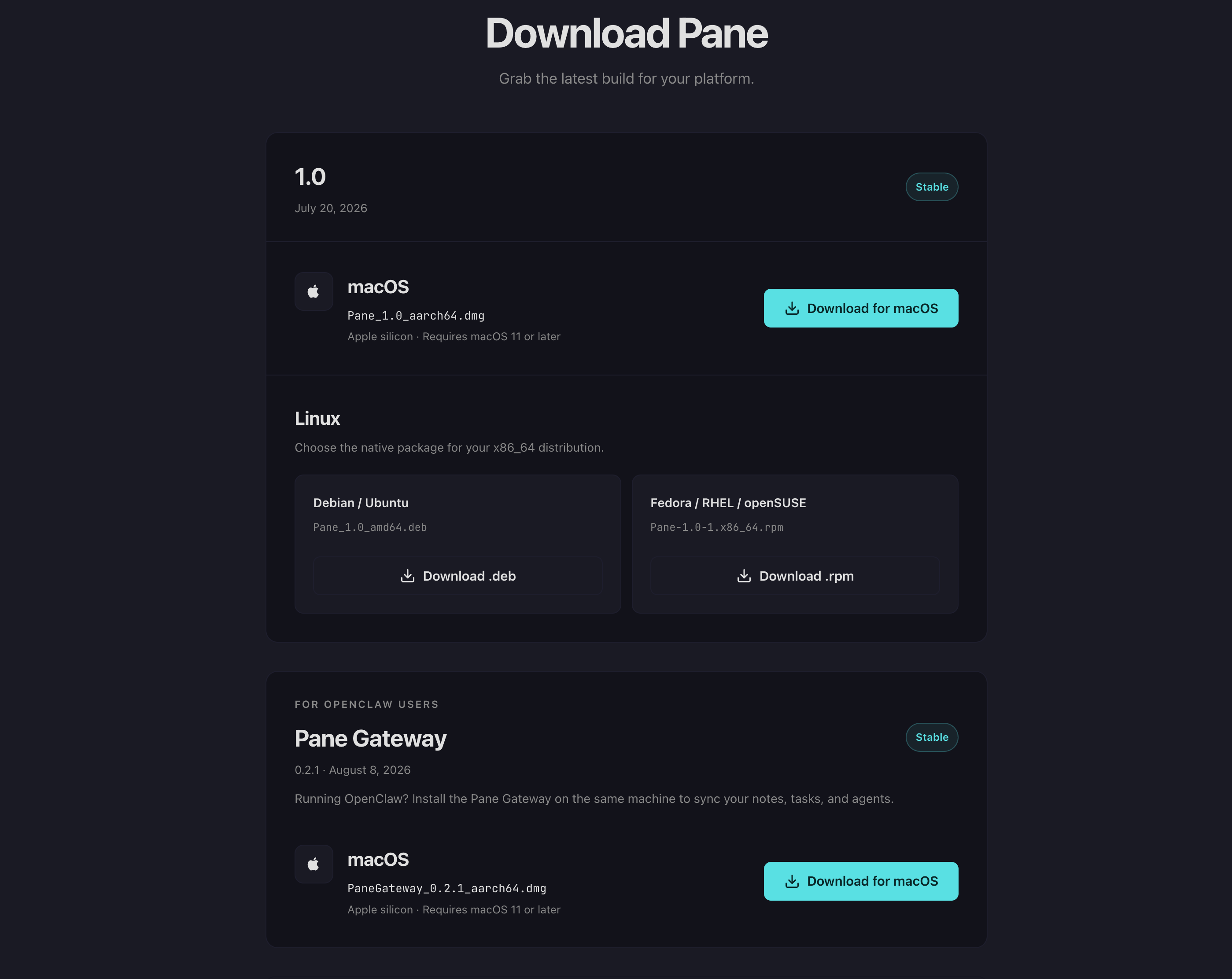
Install Pane
Download and install Pane on macOS or Linux. Set up the Pane Gateway for OpenClaw users.
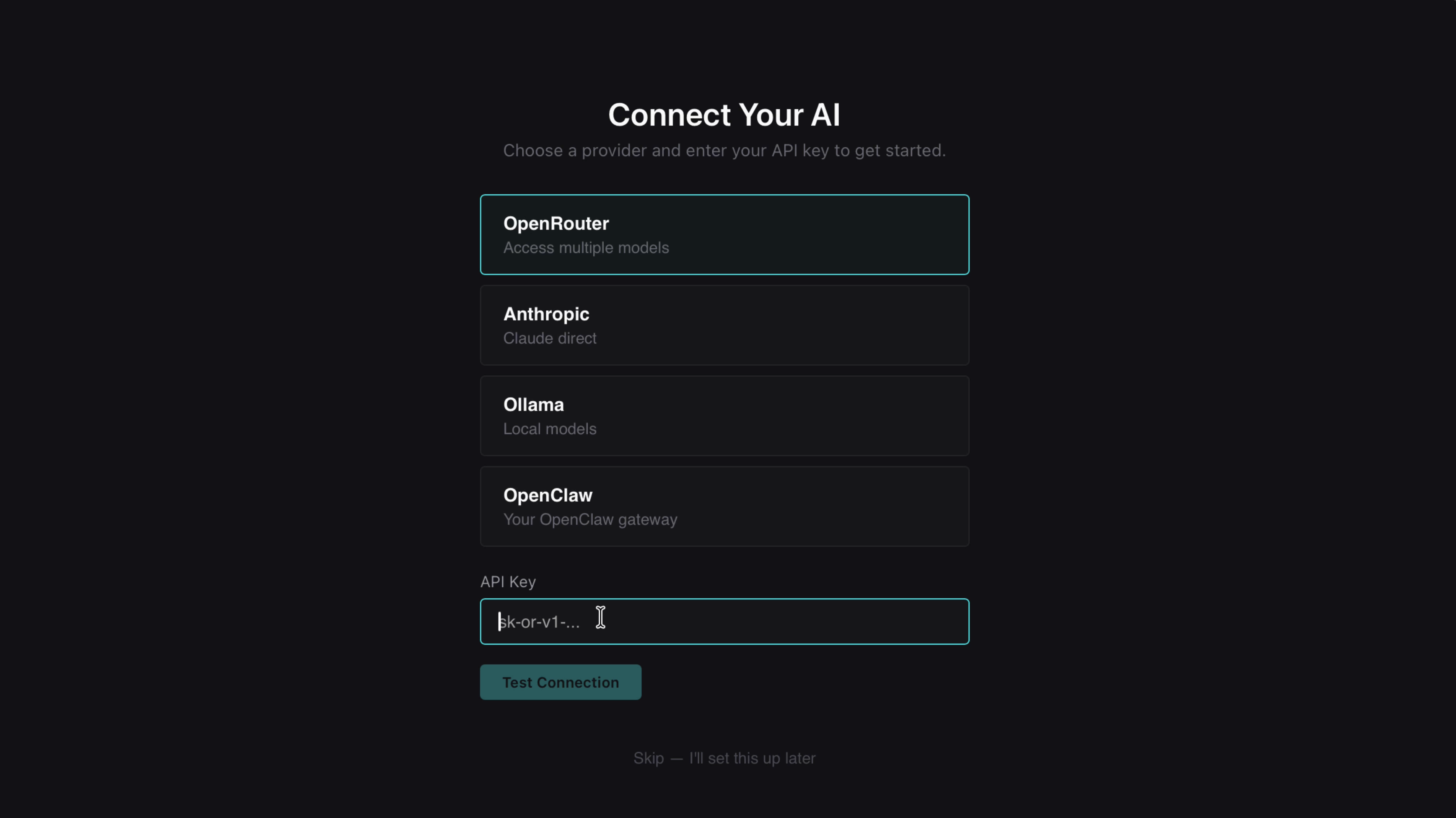
Onboard with OpenRouter
Set up Pane with OpenRouter in 5 minutes. Connect your API key, choose a model, and configure Smart Features.
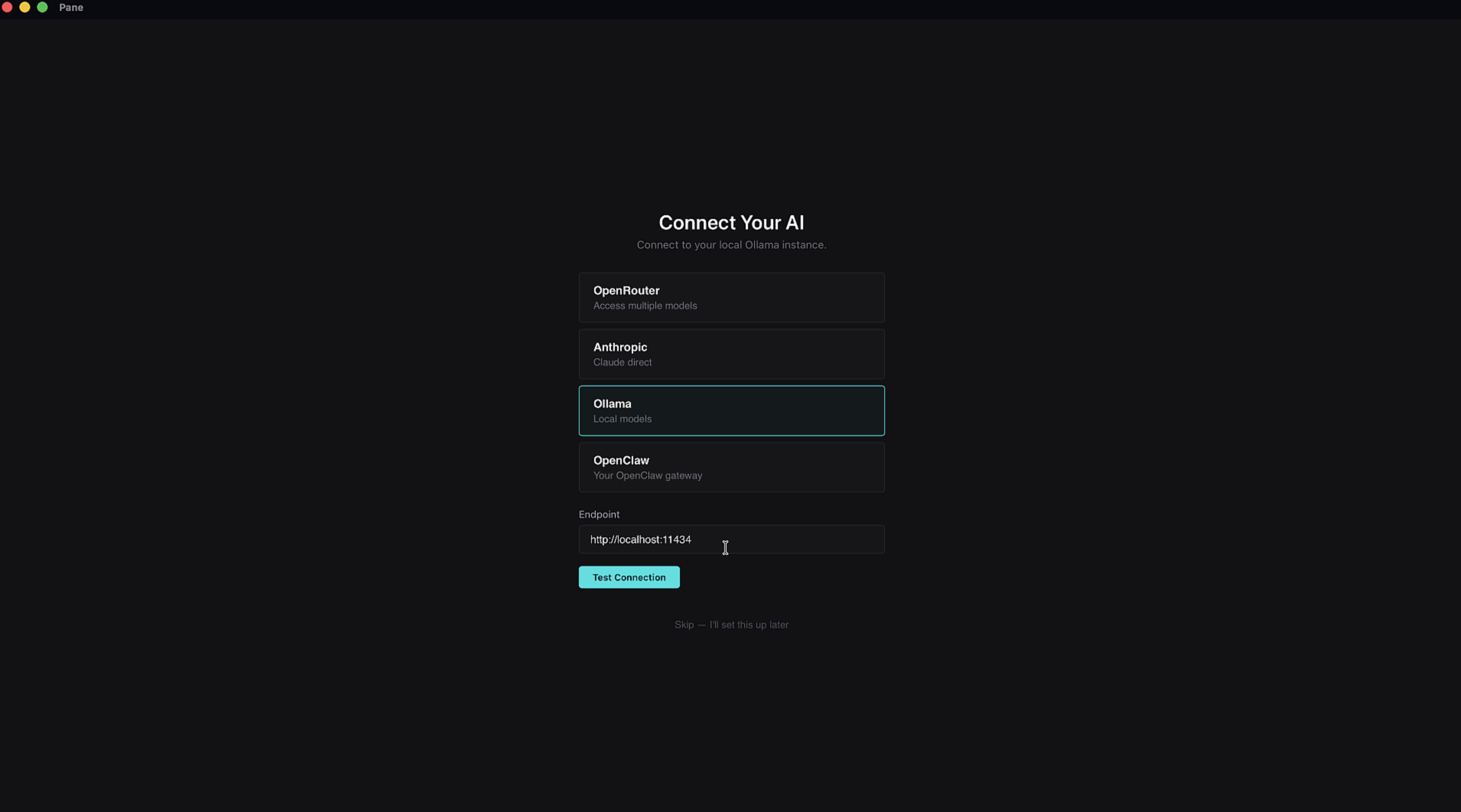
Onboard With Ollama
Run AI models locally on your machine. Connect Ollama to Pane in 5 minutes.
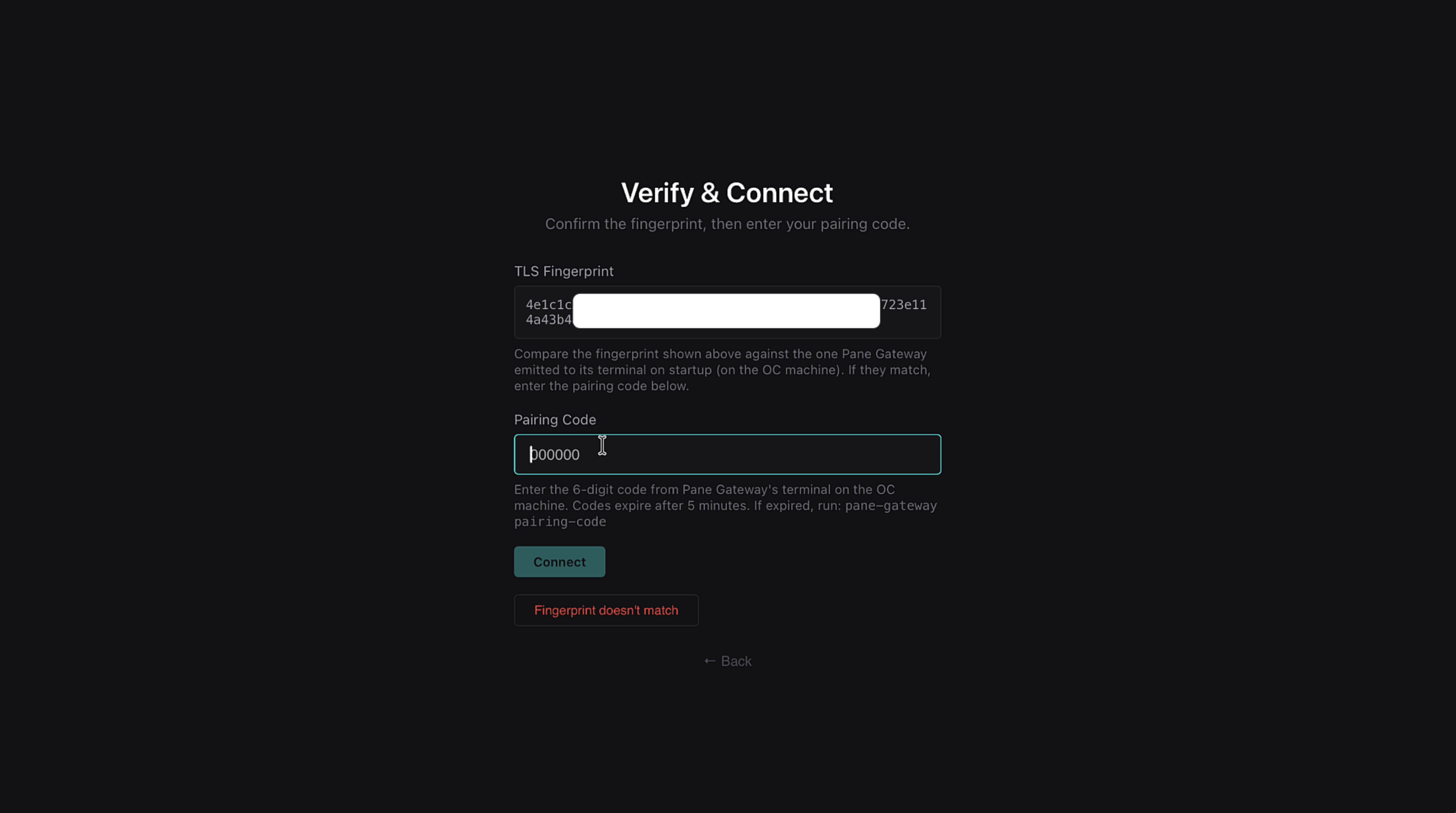
Onboard With OpenClaw
Connect Pane to your OpenClaw gateway. Your agents, your machine, working together.
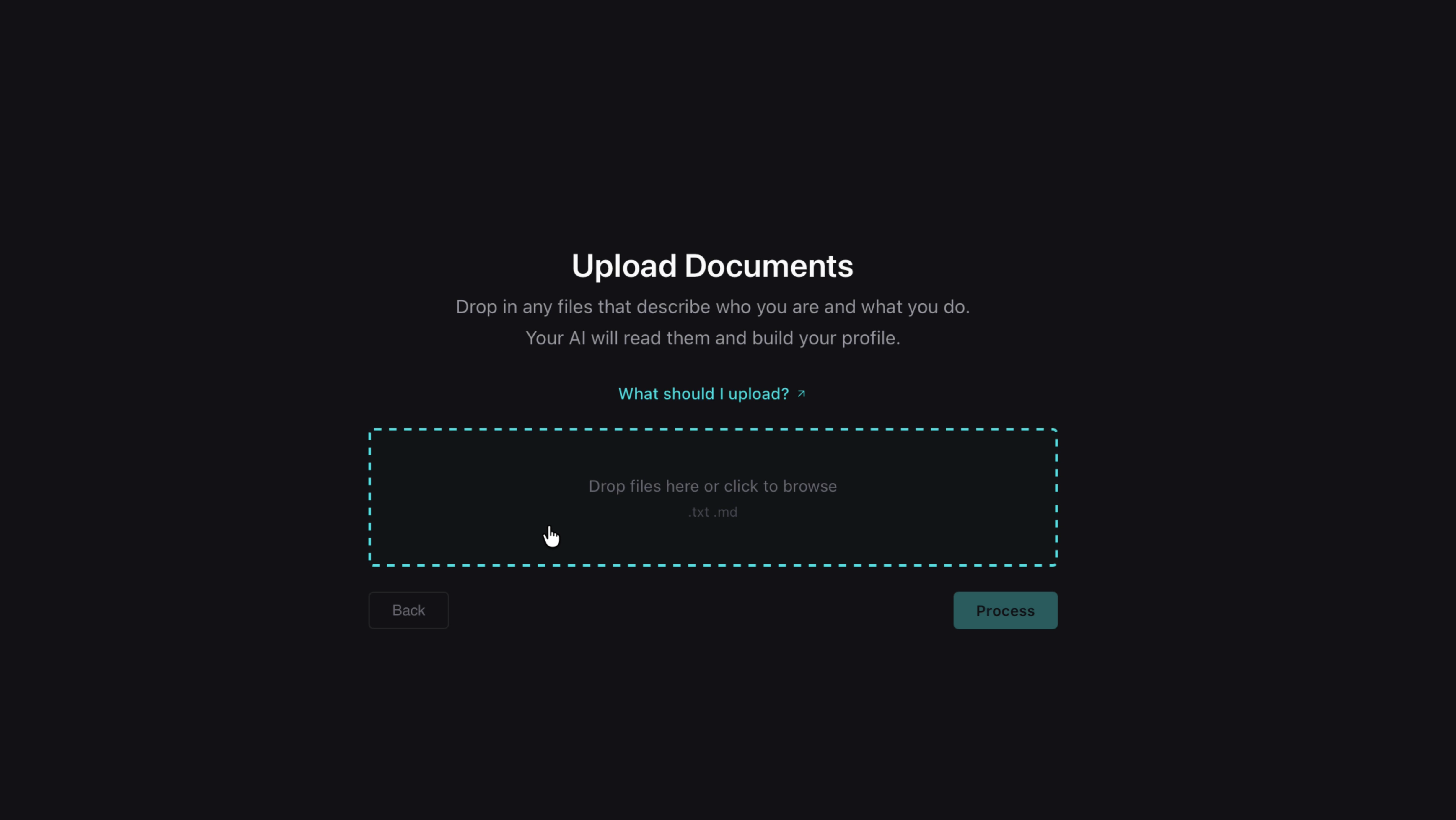
Preparing Your AI Profile
How to create documents that help your AI partner understand who you are from day one.
More tutorials coming soon. Use the sidebar to browse everything else.