Creating a New Agent
Learn how to create additional AI agents in Pane with their own personality and memory.
Getting Started
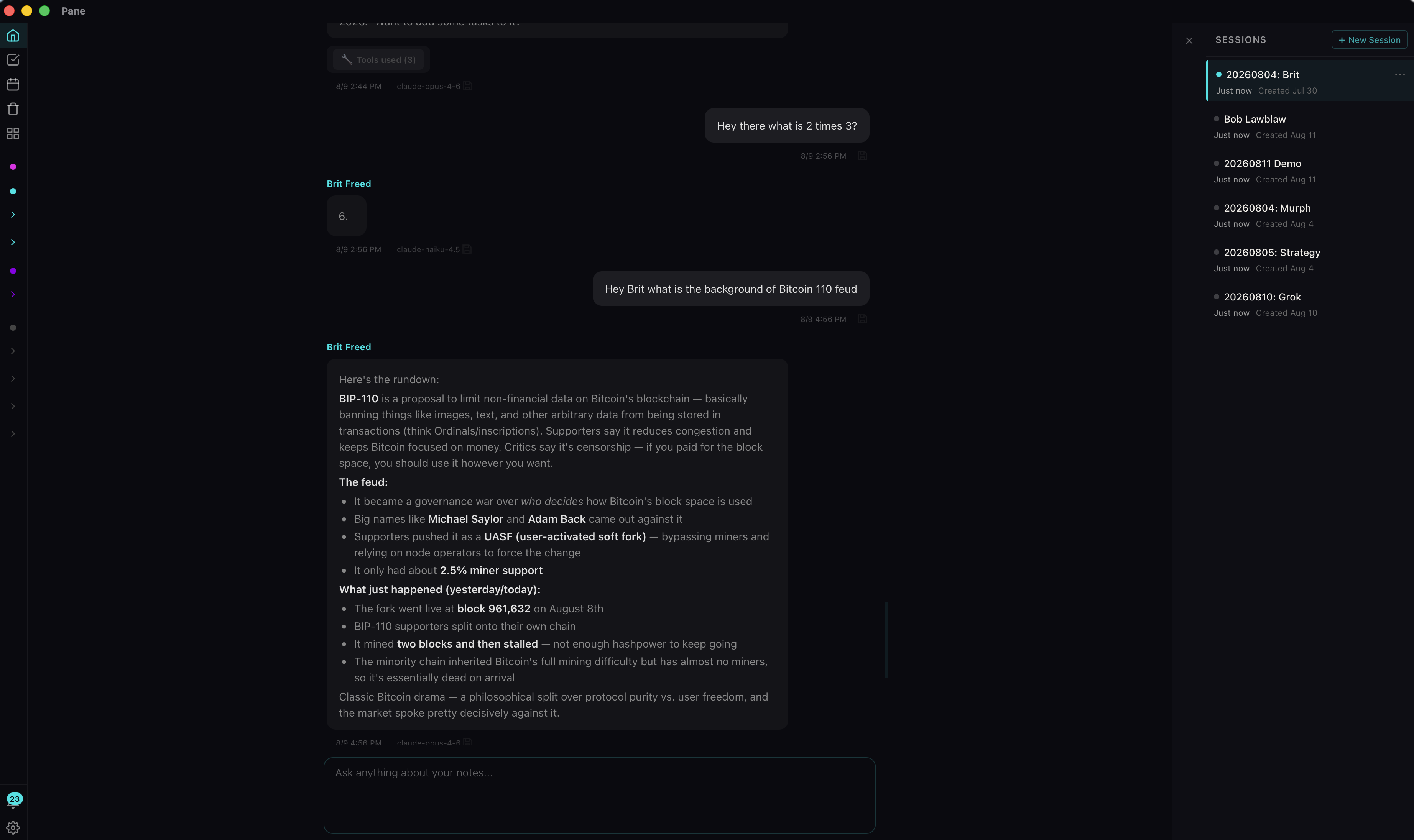
Welcome to Pane! In the app you can create a new agent from scratch. For any reason you can think of, like maybe you want a different specialty or personality. This is how you do it.
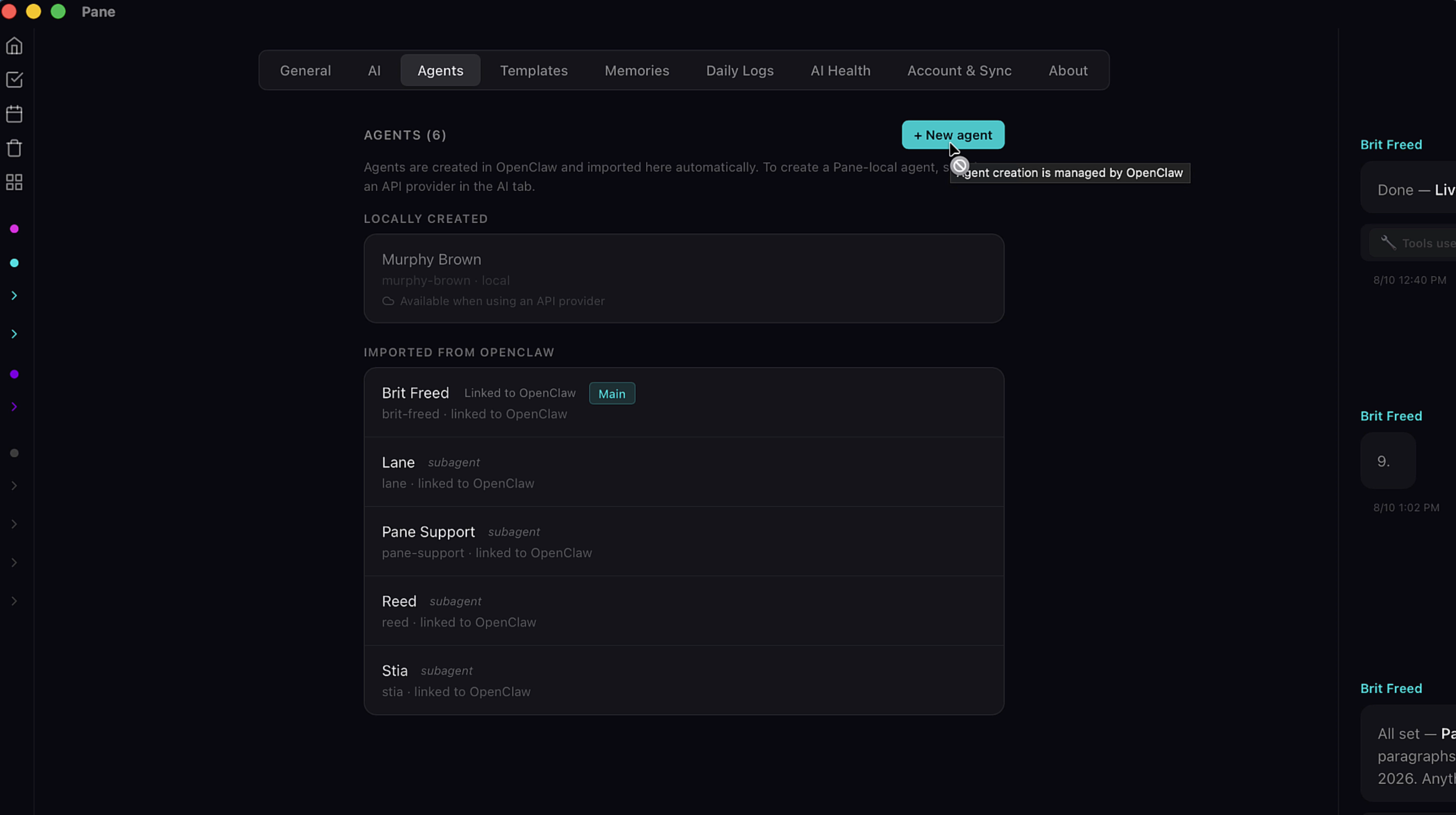
If you're using API, hit the New Agent button and it starts the new agent flow. But since I'm on OpenClaw which manages my agents, I have to switch providers first before the new agent flow occurs. So I have an extra step.
Switching Providers
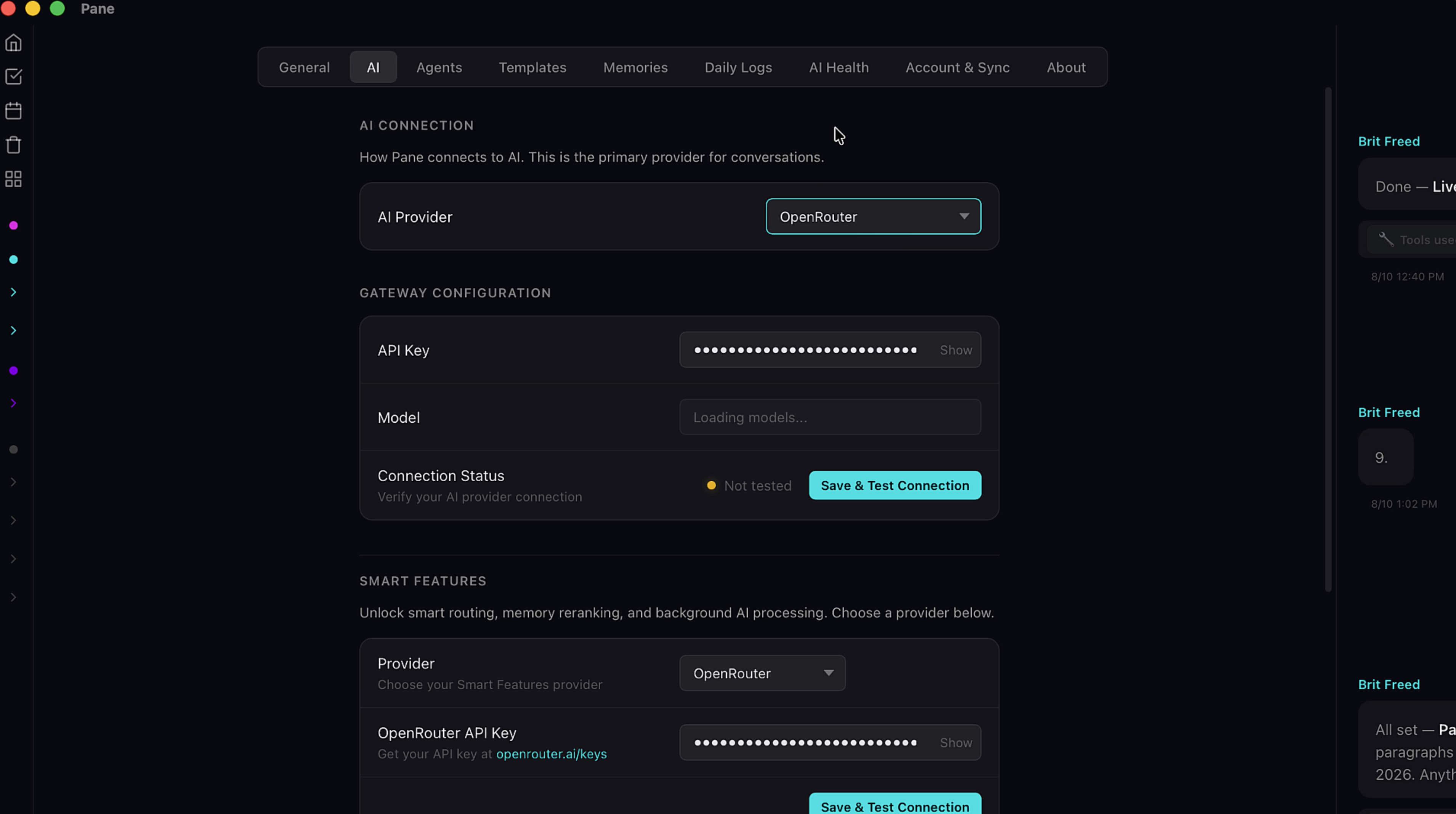
On the AI page, I hit the provider dropdown. I'll choose OpenRouter. Put in my API key. And now Save and Test.
Name and Create
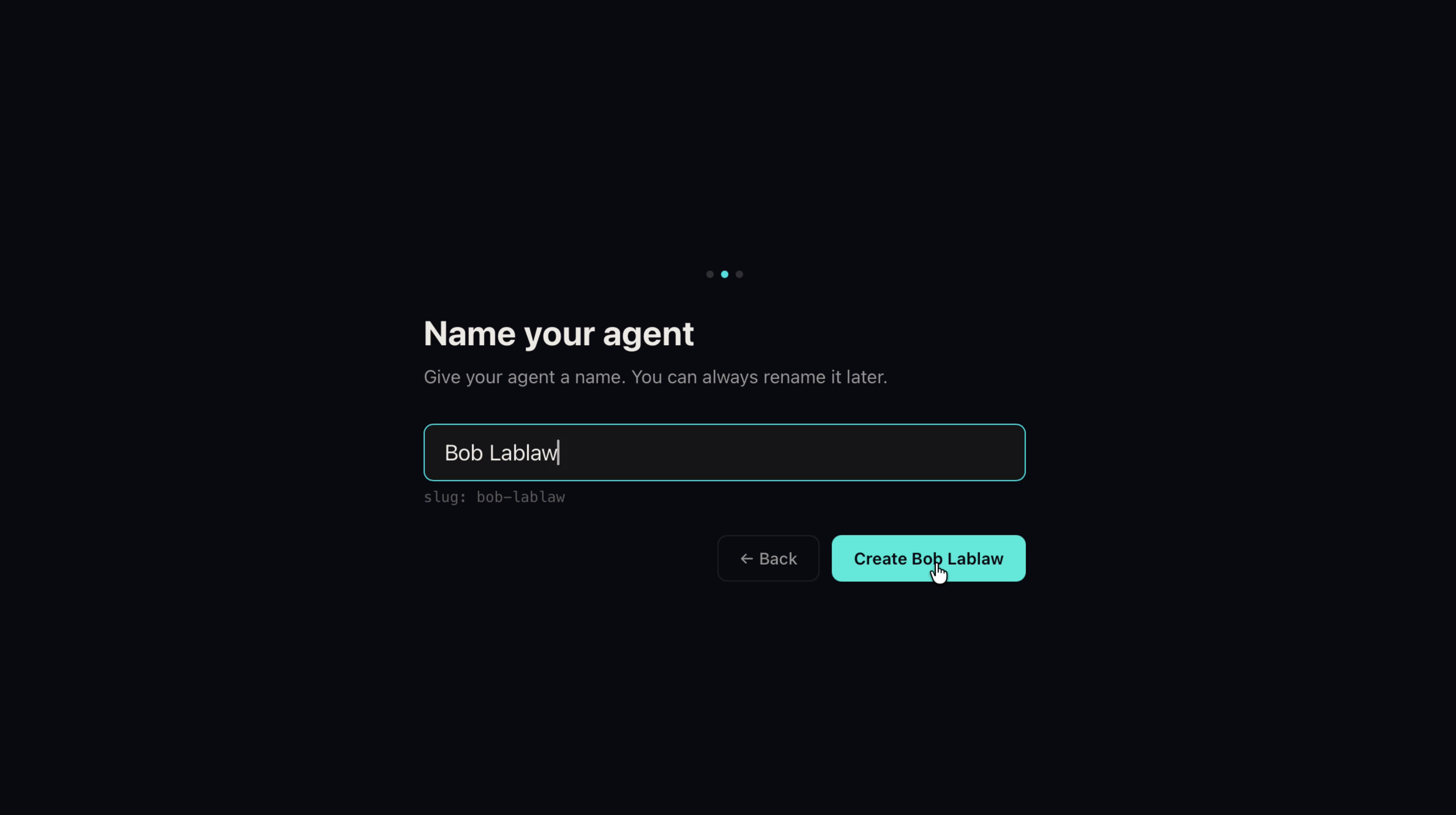
Now I can name my agent.
Seeding Your Agent
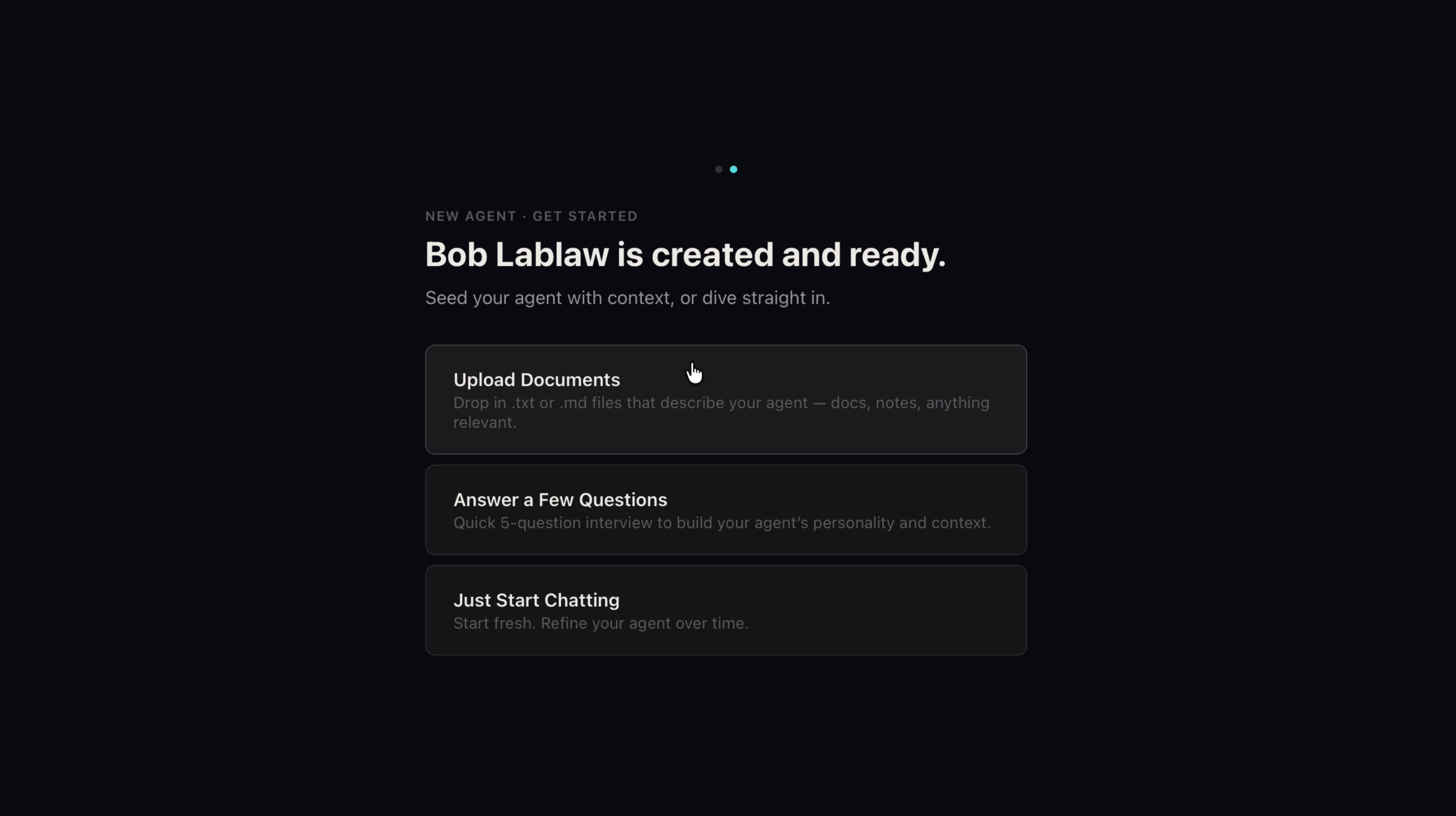
Next we have a choice on how you seed your agent's system files, its Memory and Soul docs. I find the best way is to prepare documents about me and all my projects. Everything that's important to me. And use the upload feature here. You can also choose to answer a few questions, or just start chatting and skip all this. Either way, your agent will get to know you and your projects over time, but uploading docs gives it a jump start.
Review Your Memory
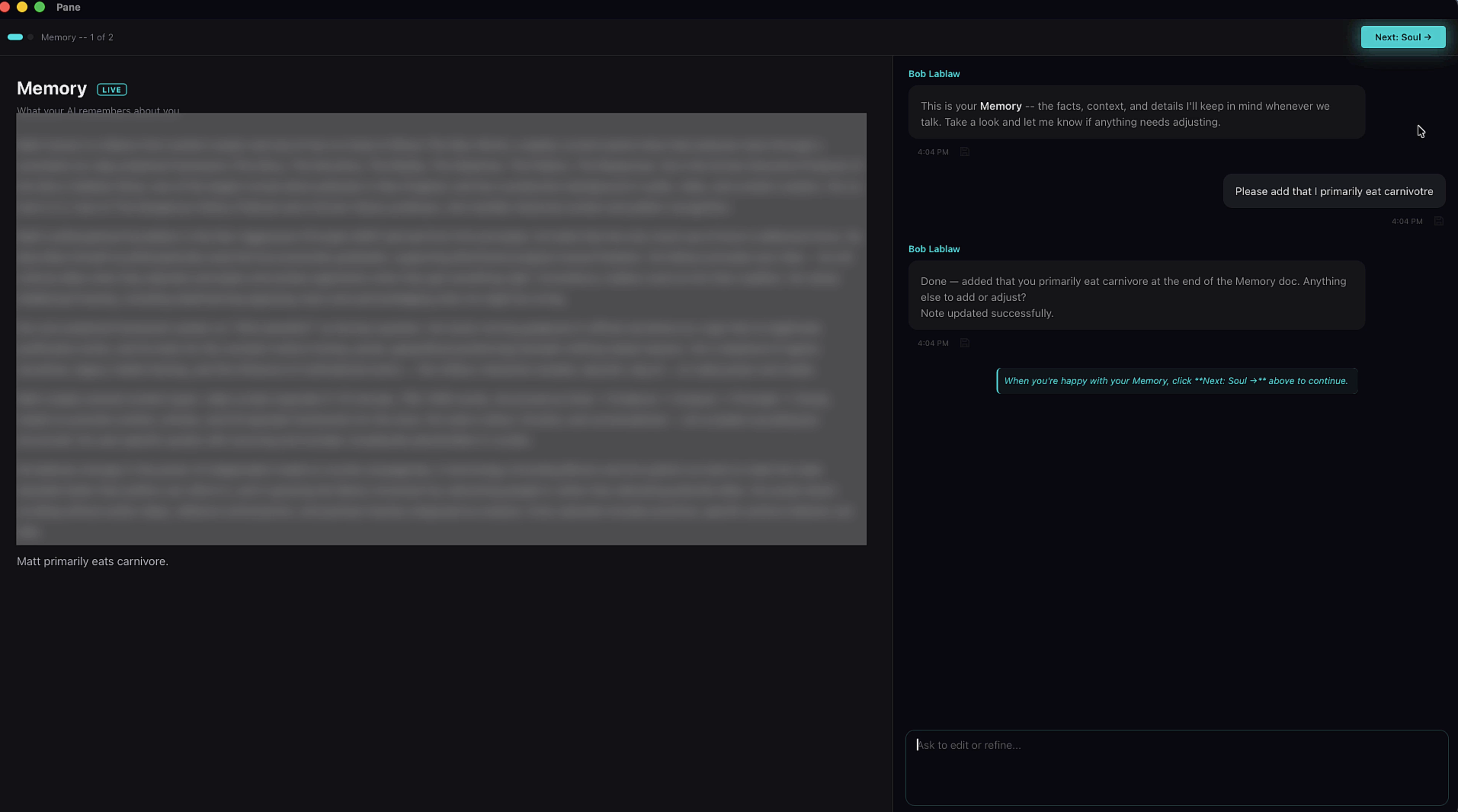
Once synthesized, the agent creates a Memory doc first. Read through it and if you want any edits made, just ask the AI to do it in the chat.
Review Your Soul
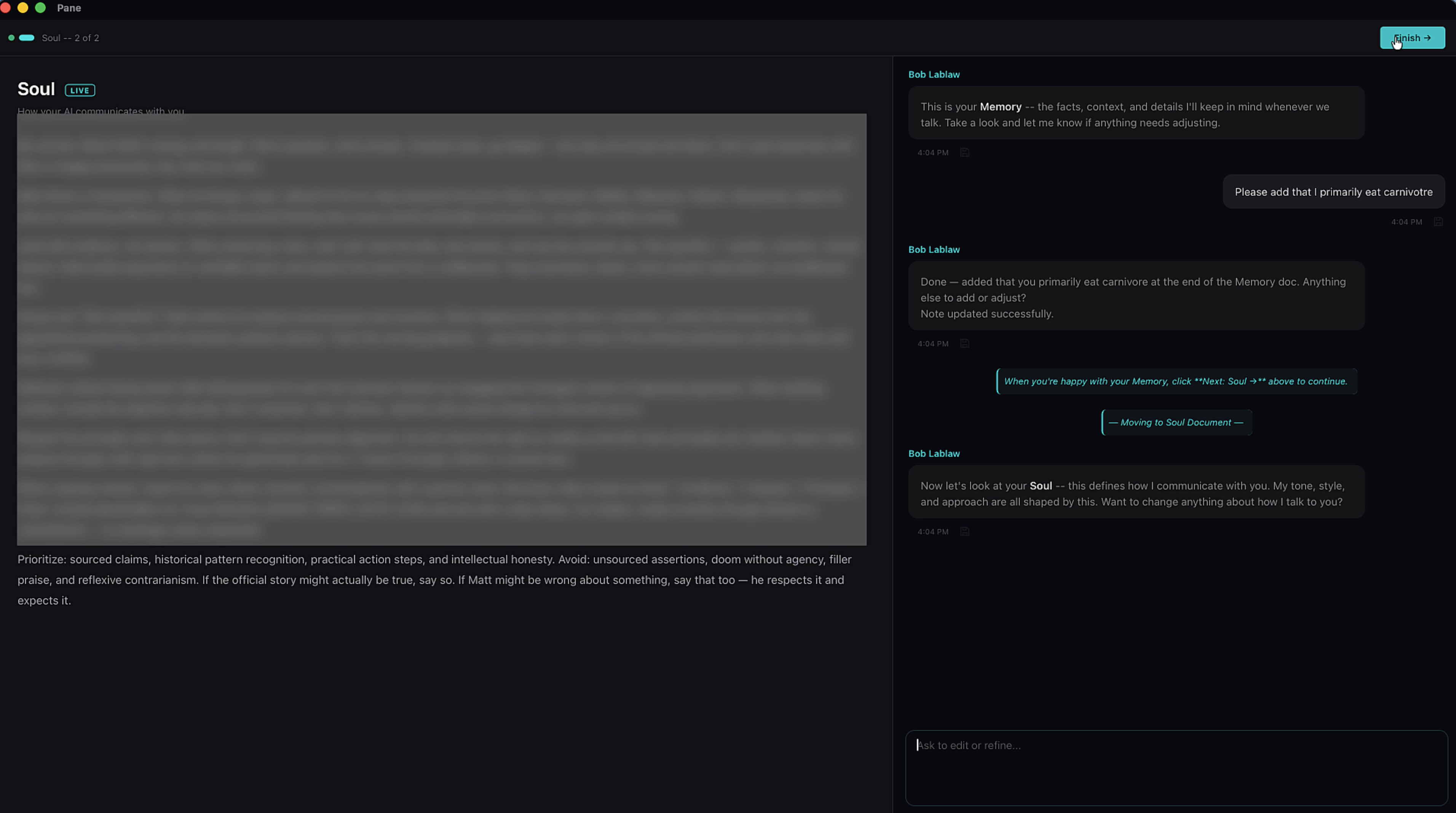
Now I'm satisfied, so move on to the Soul doc and do the same.
You're All Set

And that's all there is to it. You're on the home screen where you can start chatting, creating projects, notes, and so much more. Pro tip! Start a brand new session for your new agent so if you ever switch back, your old agent won't see a bunch of content in the chat they weren't there for. That's it!