Backup and Restore
Everything you make in Pane lives on your machine, and that means backups are yours too. Pane handles this automatically: every day something changes, it snapshots your notes, tasks, and database. No cloud, no subscription feature, just daily copies of your work sitting on your disk.
Get involved: Subscribe · Discord · Twitter/X · Matt on X
1. Your data lives on your machine
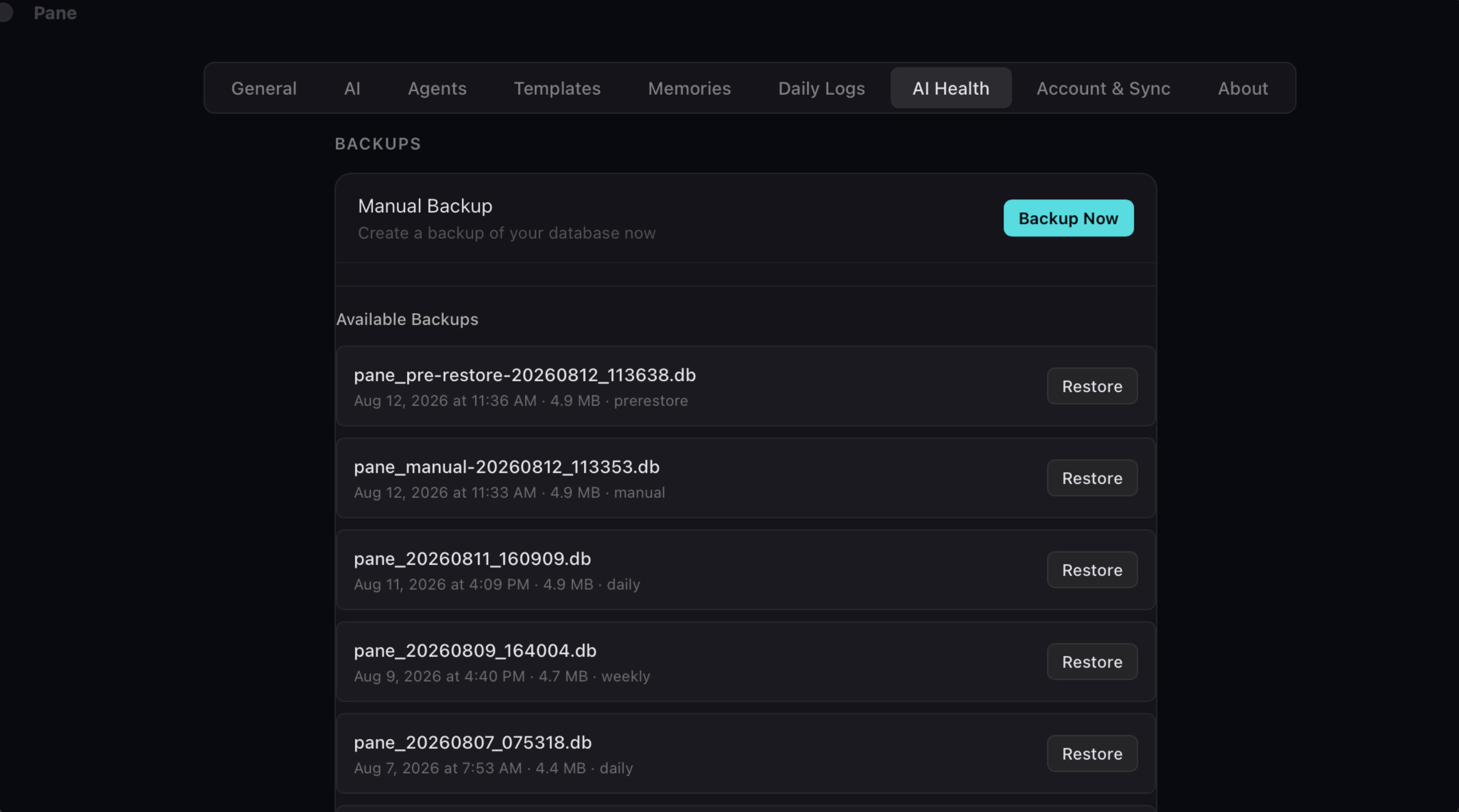
Everything you make in Pane lives on your machine, and that means backups are yours too. Pane handles this automatically: every day something changes, it snapshots your notes, tasks, and database. No cloud, no subscription feature, just daily copies of your work sitting on your disk.
2. Find your backups
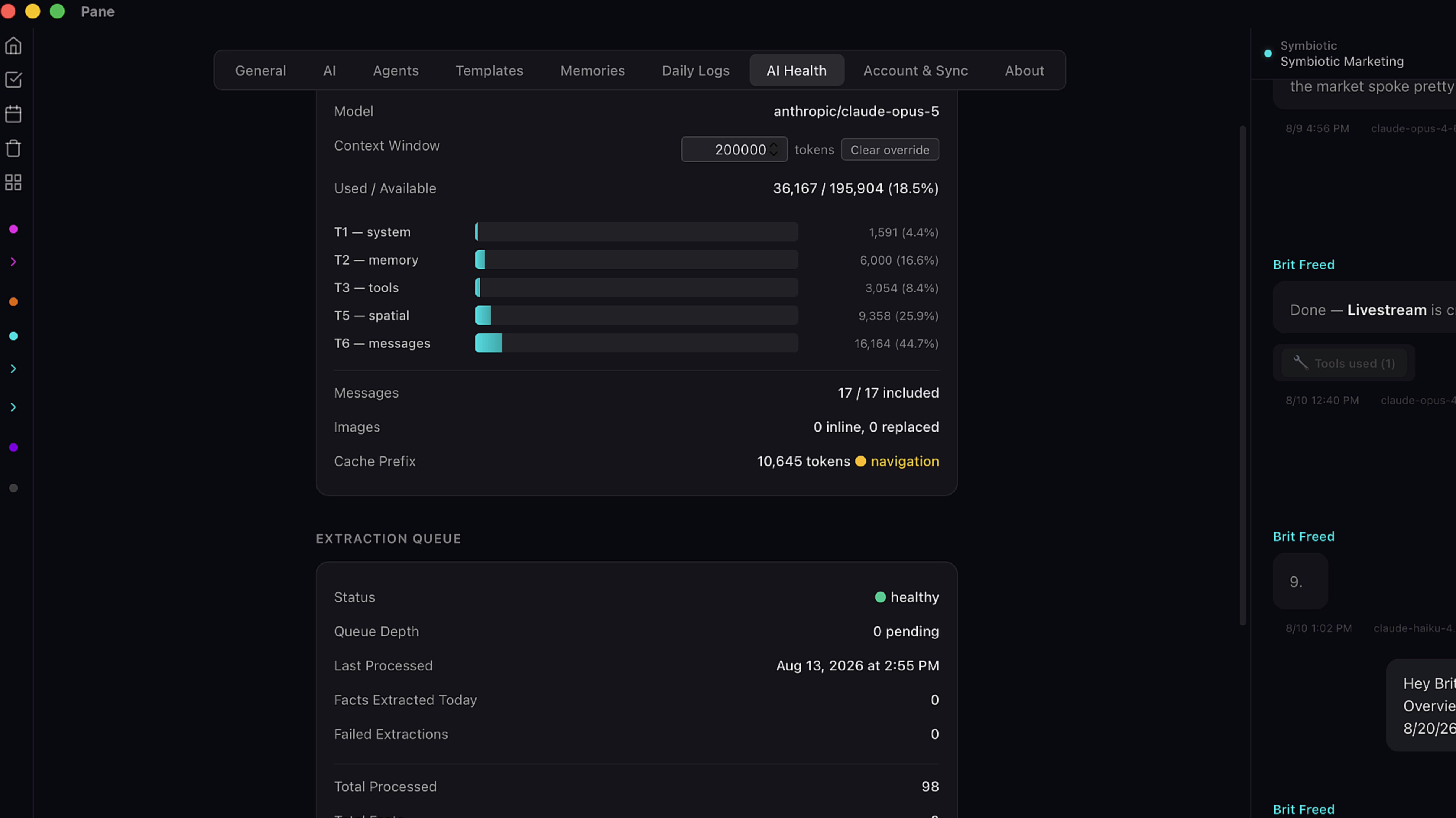
You'll find them on the AI Health page in settings. Scroll to the bottom and there's the list.
3. Back up on demand
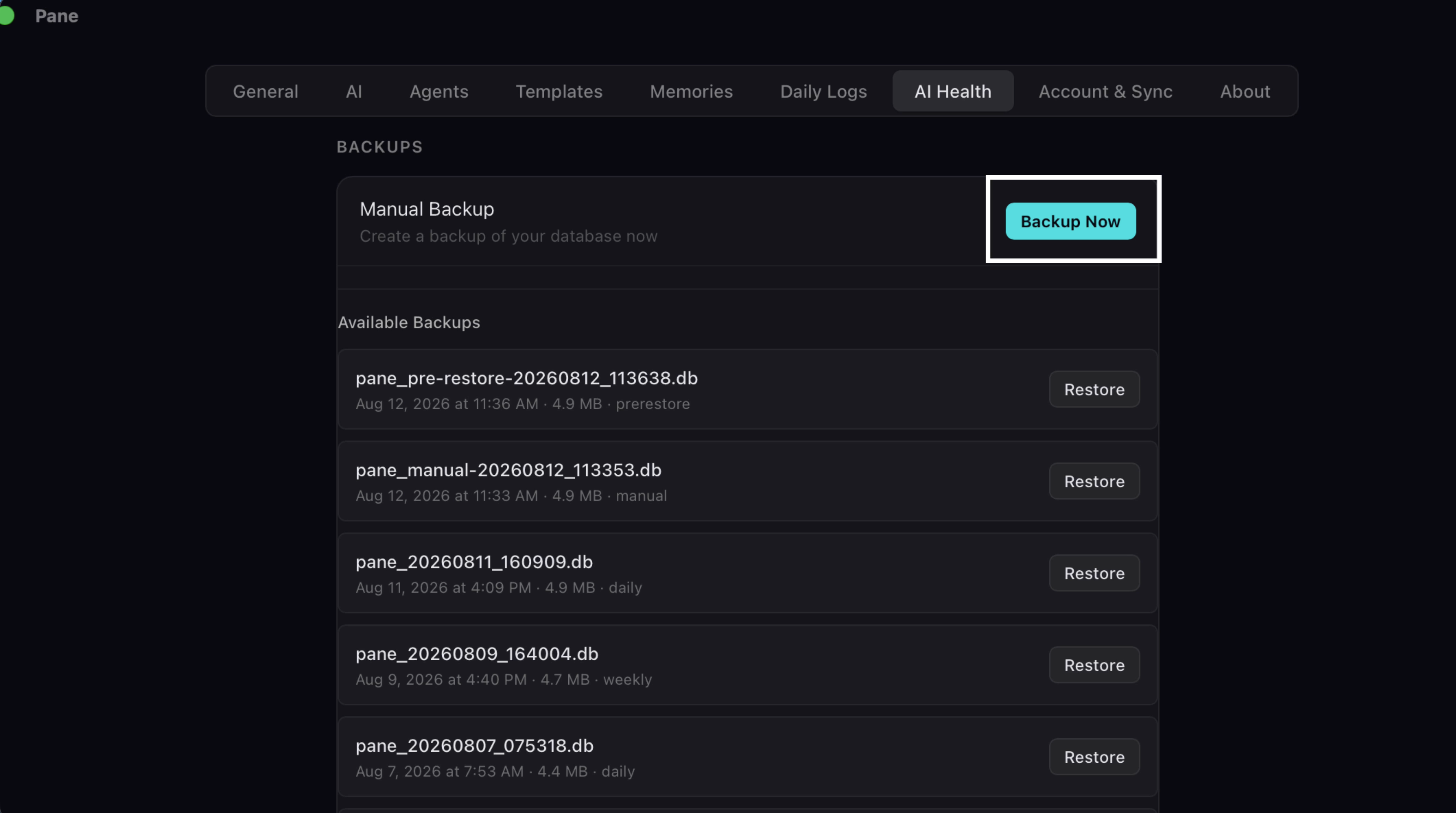
Want a manual one before you try something big? Hit Backup Now. It takes a minute or so, and you've got a fresh snapshot on demand.
4. Restore a backup
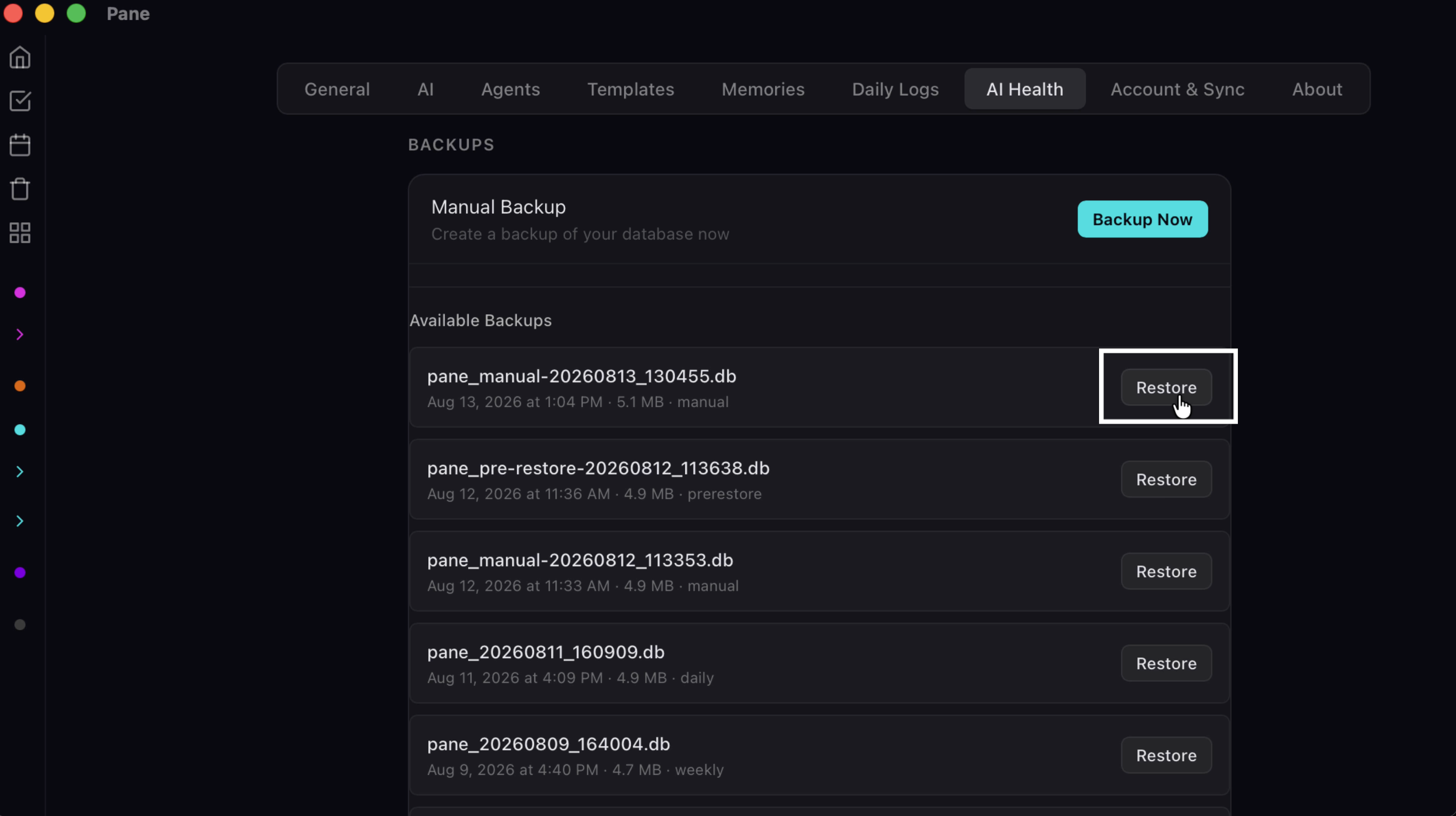
Restoring is just as direct. Pick the backup, click restore,
5. Confirm and restart
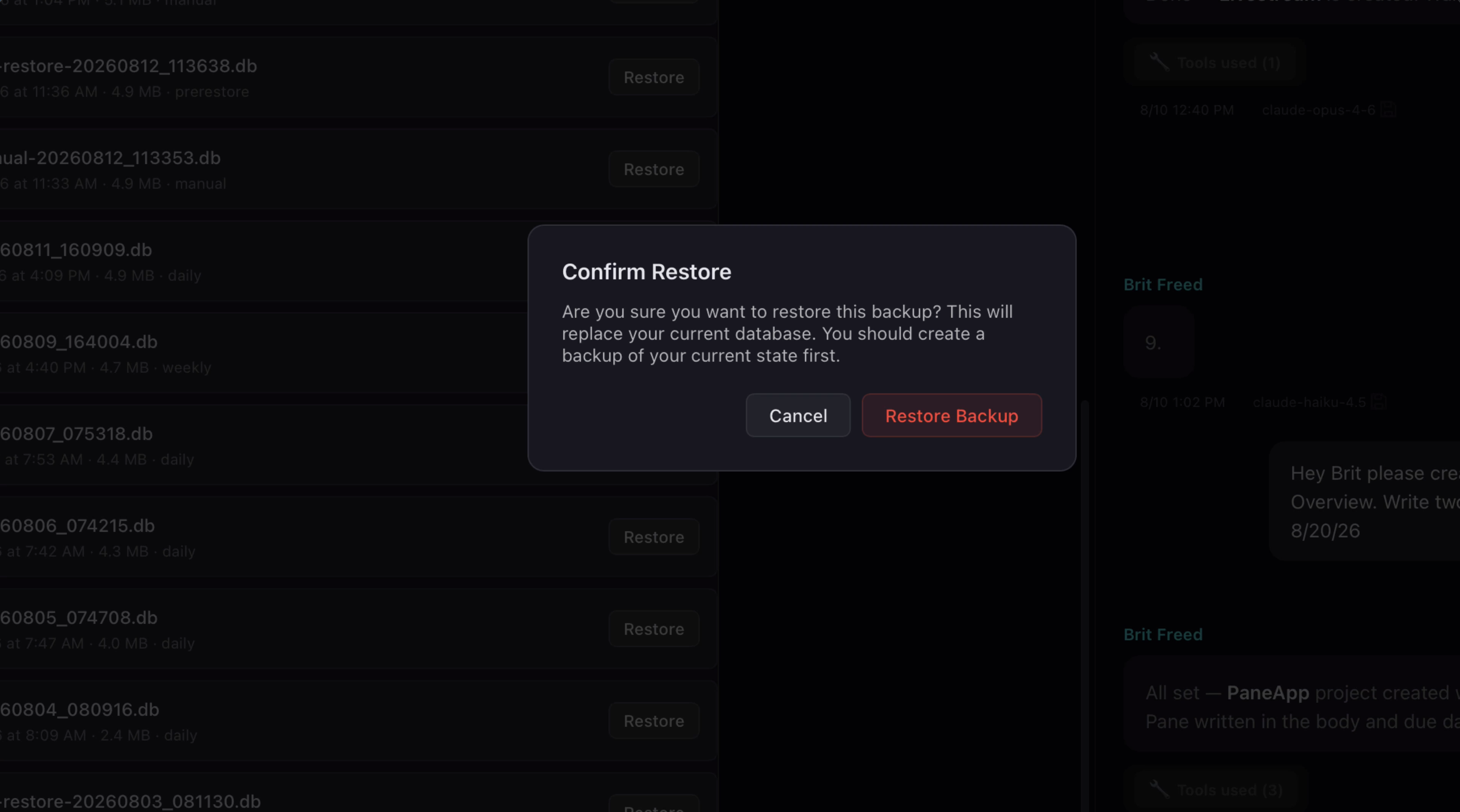
Now click Restore Backup to confirm. You'll get a success message. Quit Pane, reopen it, and everything is back exactly as it was that day.