Install Pane
Pane is a desktop app for macOS and Linux. This guide walks you through downloading and installing it.
You'll need an active subscription — if you don't have one yet, head to paneapp.ai to get started.
1. Download Pane
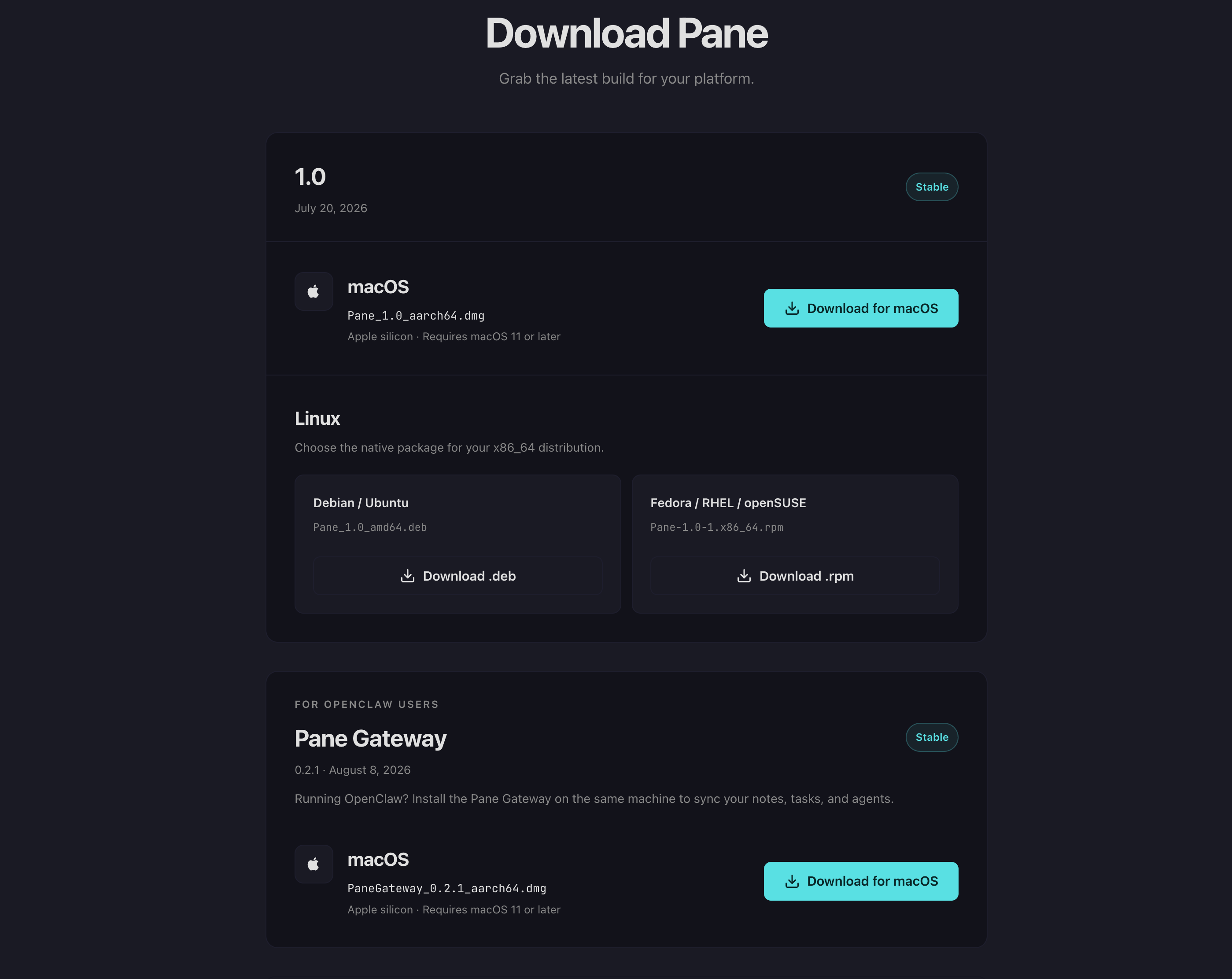
Sign in at paneapp.ai/account/download and download the build for your platform.
macOS: Click Download for macOS to get the DMG (Apple silicon, requires macOS 11 or later).
Linux: Choose the .deb (Debian/Ubuntu) or .rpm (Fedora/RHEL/openSUSE) package for your distribution.
2. Install the app
macOS
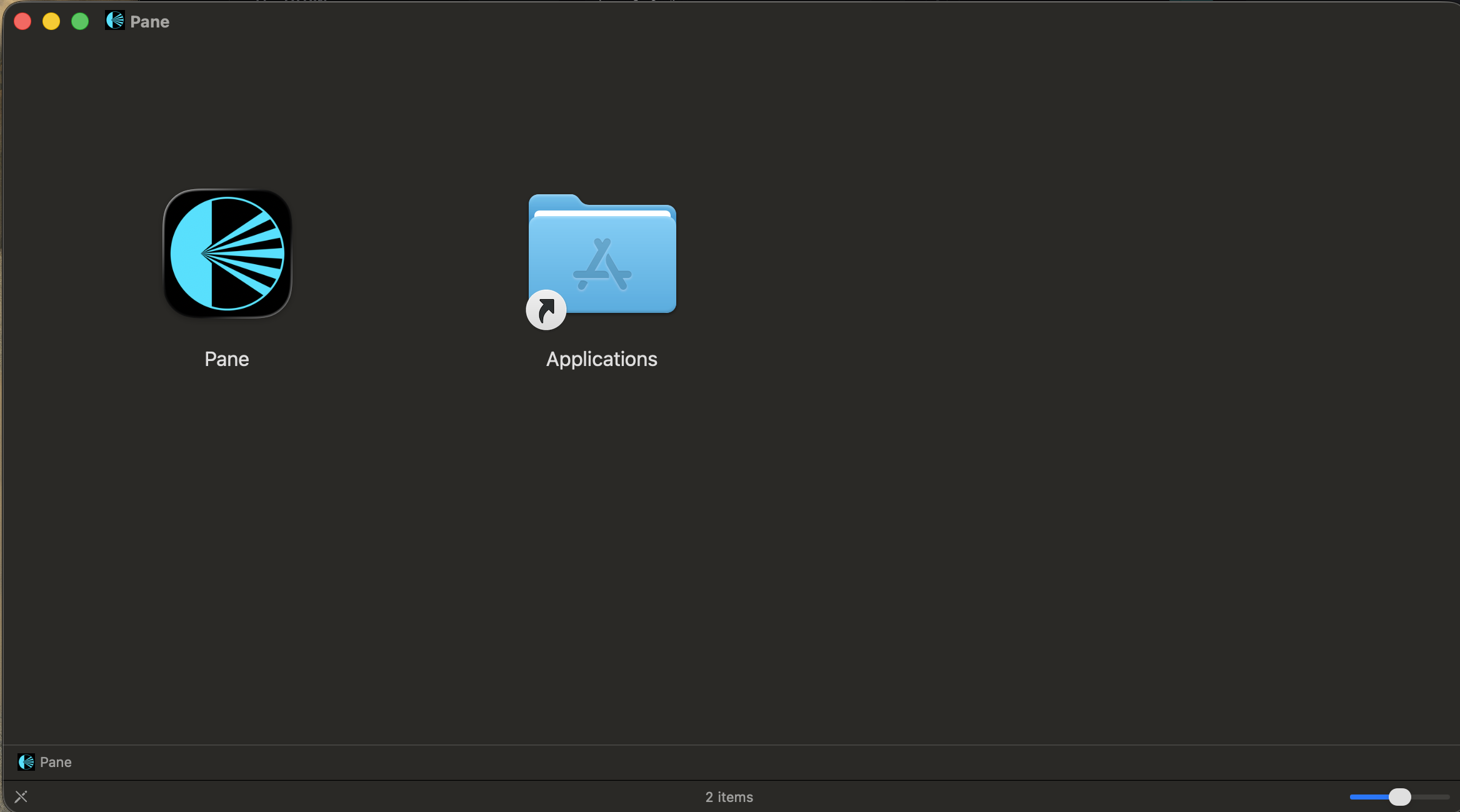
Open the DMG and drag Pane into your Applications folder. Launch it from Applications or Spotlight.
Linux
Debian/Ubuntu:
sudo dpkg -i Pane_1.0_amd64.deb
Fedora/RHEL:
sudo rpm -i Pane-1.0-1.x86_64.rpm
3. Choose your AI provider
When you first open Pane, you'll choose how to connect your AI. There are three options:
- OpenRouter — access multiple AI models (Claude, GPT, open-source) from a single API key. Best for most users. → Tutorial: Onboard with OpenRouter
- Ollama — run AI models locally on your machine. Free, private, no API key needed. → Tutorial: Onboard with Ollama
- OpenClaw — connect to your own AI gateway. For users already running OpenClaw. → Tutorial: Onboard with OpenClaw
Each option has its own step-by-step tutorial.
4. For OpenClaw users: Install the Pane Gateway
If you chose OpenClaw, you'll also need the Pane Gateway running on the same machine as your OpenClaw instance. This is what syncs your notes, tasks, and agent files between Pane and OpenClaw.
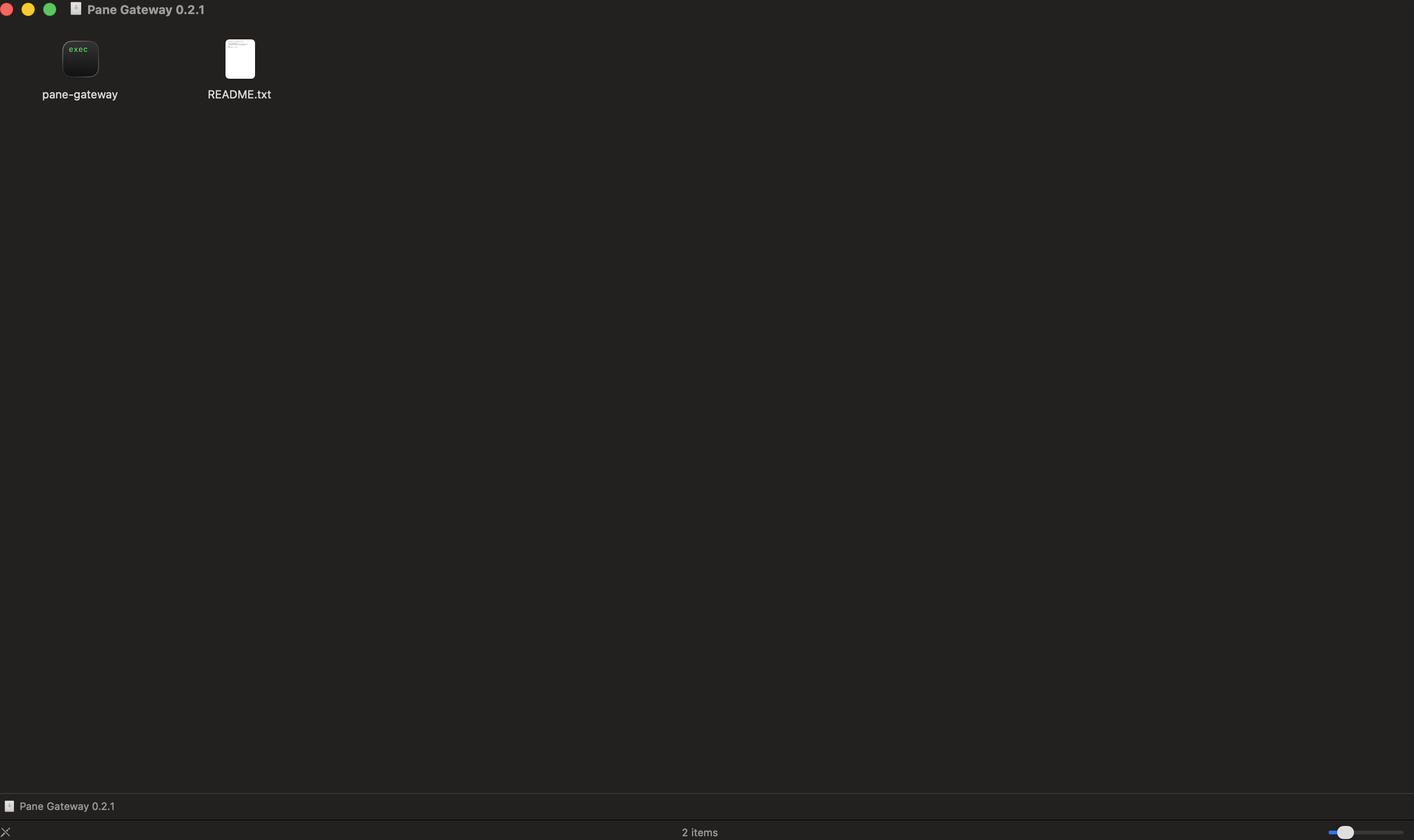
Download the Pane Gateway DMG from the same download page (scroll down to "For OpenClaw Users").
Open the DMG — you'll find pane-gateway (the binary) and a README.txt.
Copy pane-gateway to a permanent location (e.g. /usr/local/bin/ or
wherever you keep binaries).
Ask your OpenClaw AI to run it. Your AI can:
- Copy the binary to the right location
- Start the gateway
- Give you the gateway URL (you'll need this when connecting from Pane)
- Generate a pairing code (
pane-gateway pairing-code)
Prerequisite: Both machines need to be on the same Tailscale network. If you're already using OpenClaw across two machines, Tailscale is already set up.
Once the gateway is running, follow the Onboard with OpenClaw tutorial to connect Pane.
What's next?
After connecting your AI provider, check out Preparing Your AI Profile to give your AI partner a head start on understanding who you are.